Notion Budget Template: Budget & Finance Tracker
A calm, simple money system for Notion. Log what comes in and goes out, see every category against its monthly budget, and watch your savings goals grow, all on one dashboard.
Digital product · one-page PDF with a Duplicate link · works on Notion's free plan
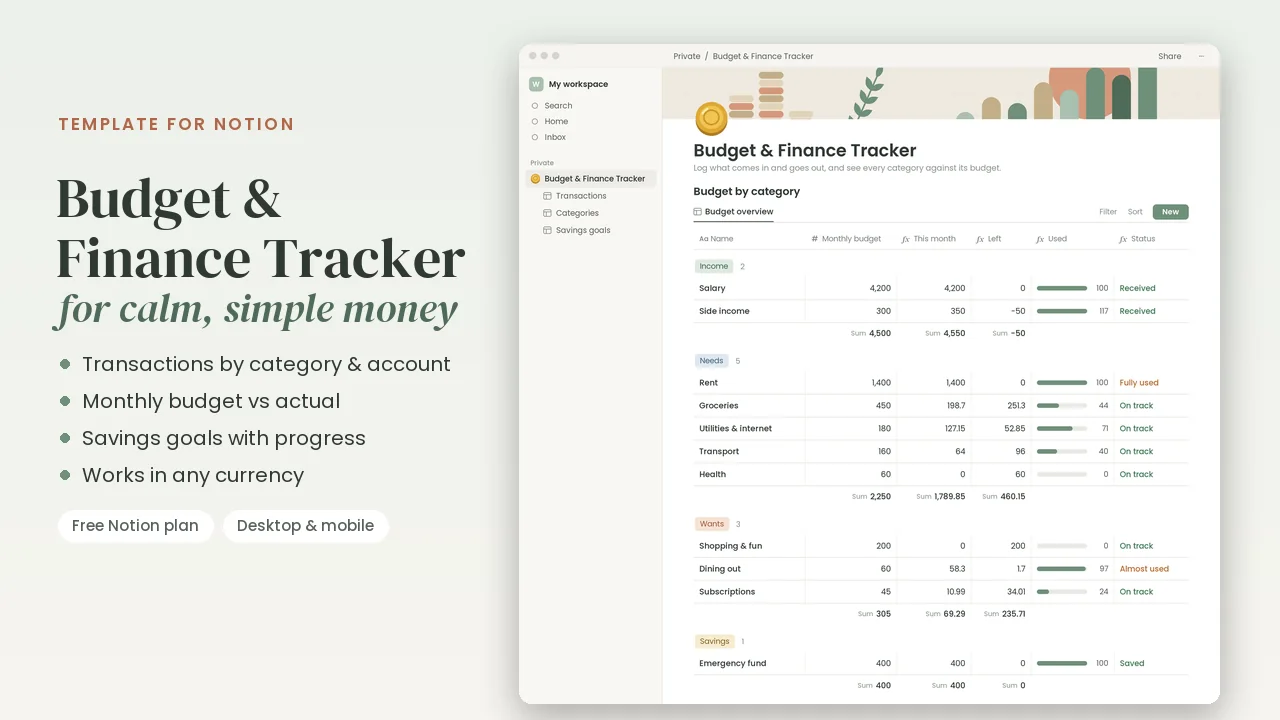
What's inside
- Transactions: every income and expense with date, amount, type, category and account. Views for This month (income and spending, each with its total), All transactions and By month (net cash flow for every month).
- Categories & budgets: a monthly budget for each category, grouped into Income, Needs, Wants and Savings. Each category works out this month's total, what's left, a progress bar and a status: On track, Almost used, Fully used or Over budget for spending, Received or Expected for income, and Saved or To save for savings.
- Savings goals: target, saved so far and target date. Each goal card shows a progress bar, what you've saved (“2,400 of 9,000 saved”) and how much to save per month to get there on time.
- Dashboard: step-by-step instructions, a monthly money review checklist and tips for good money habits.
- Ready-made categories you can rename, plus sample transactions and savings goals (January 2027) that are easy to delete.
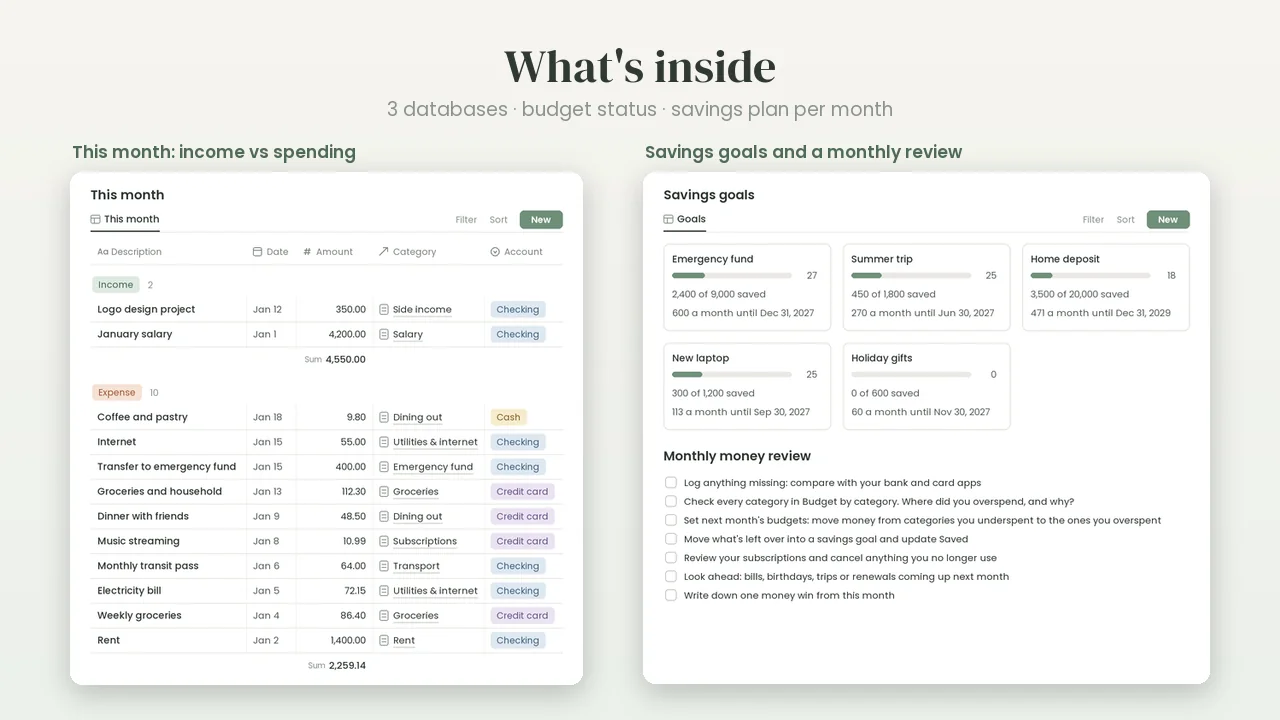
The images show the sample month (January 2027). The This month views fill in as you log your own transactions.
Who it's for
Anyone who wants a clear, low-effort budget in the tool they already use every day: a first budget, couples sharing costs, students and freelancers. It's an expense tracker, a monthly budget and a savings tracker in one page, with no spreadsheet formulas to maintain.
Not sure what each category should get? Start with the free 50/30/20 budget calculator, and size each goal with the savings goal calculator.
How duplicating works
- Buy and download. Check out on Gumroad and download the one-page PDF from your receipt.
- Log in to Notion. A free Notion account is enough. Duplicate on a computer, in your web browser; the copy then syncs to your phone and tablet.
- Duplicate. Click Duplicate the template in the PDF. The template opens in your browser: press Duplicate and choose your workspace.
- Start. Open your copy and follow the short How to use steps at the top. Delete the sample entries when you're ready.
Your copy is yours: it keeps working even if you never visit this site again.
FAQ
What exactly do I get?
A one-page PDF with a Duplicate button that copies the template into your own Notion workspace. Keep the PDF: you can duplicate a fresh copy any time. It's a digital product, so nothing is shipped.
Does it work on Notion's free plan?
Yes. It's built with standard Notion pages, databases, views and formulas, so a free Notion account is all you need. You don't need a paid plan or any add-ons.
Which currency does it use?
Any. Amounts are plain numbers. To show a symbol, click a number column's header, choose Edit property, then Number format, and pick your currency. The dashboard lists every number column to change.
Does it connect to my bank?
No. You log transactions yourself, as they happen or in five minutes once a week, so no bank login is shared with anyone. Amounts are always positive: the type (Income or Expense) decides which way the money goes.
Can I customize it?
Yes. Rename the sample categories, add your own and give each one a monthly budget; for income categories, enter what you expect to receive. You can rename any property too. Just keep the group names Income and Savings and the type Income as they are, because the formulas check for them.
Can I use it on my phone?
Yes. Once it's in your workspace, it works in Notion on desktop, the web, iPhone, iPad and Android. Duplicating is quickest on a computer, and wide table views are easiest to read on a bigger screen.
Can I use it for my business?
Yes, for your own business. You can use the template for yourself, your household or your own business, and duplicate it as often as you like. Please don't share or resell the template or its link.
What if the link doesn't work, or I want a refund?
Gumroad handles the checkout, your receipt and the download. If the Duplicate link doesn't work or something isn't right, reply to your Gumroad receipt email and we'll help. Questions about refunds go the same way.
More templates for Notion
Same calm design, same quick duplicate. Get all six in the Life & Work Bundle for $29.
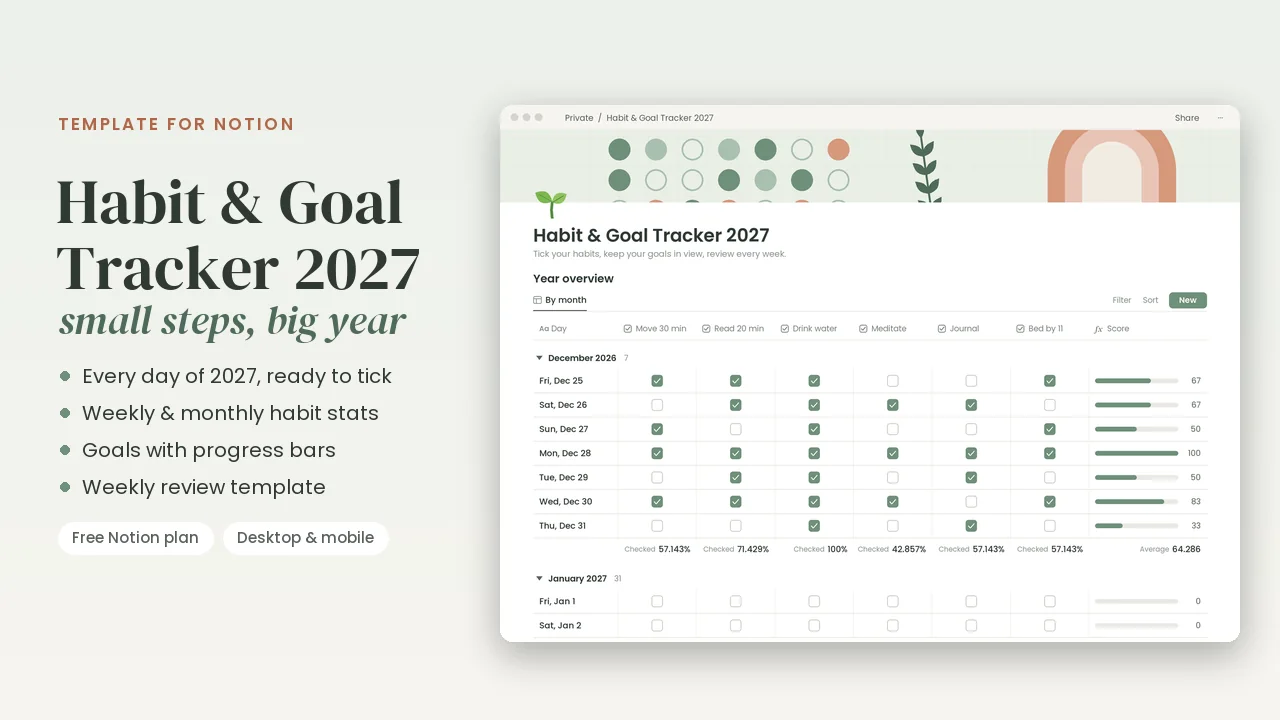
Habit & Goal Tracker 2027
$9 · All 365 days of 2027 · habit stats · goals
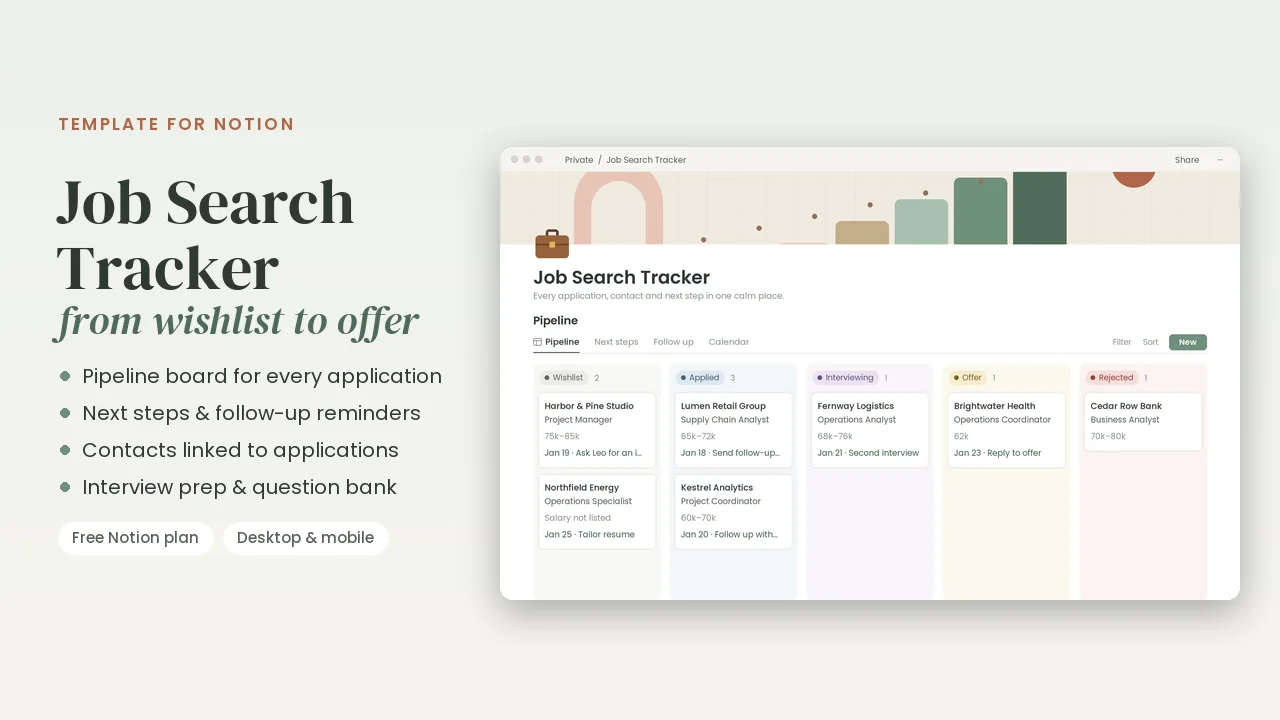
Job Search Tracker
$9 · Pipeline · next steps · interview prep
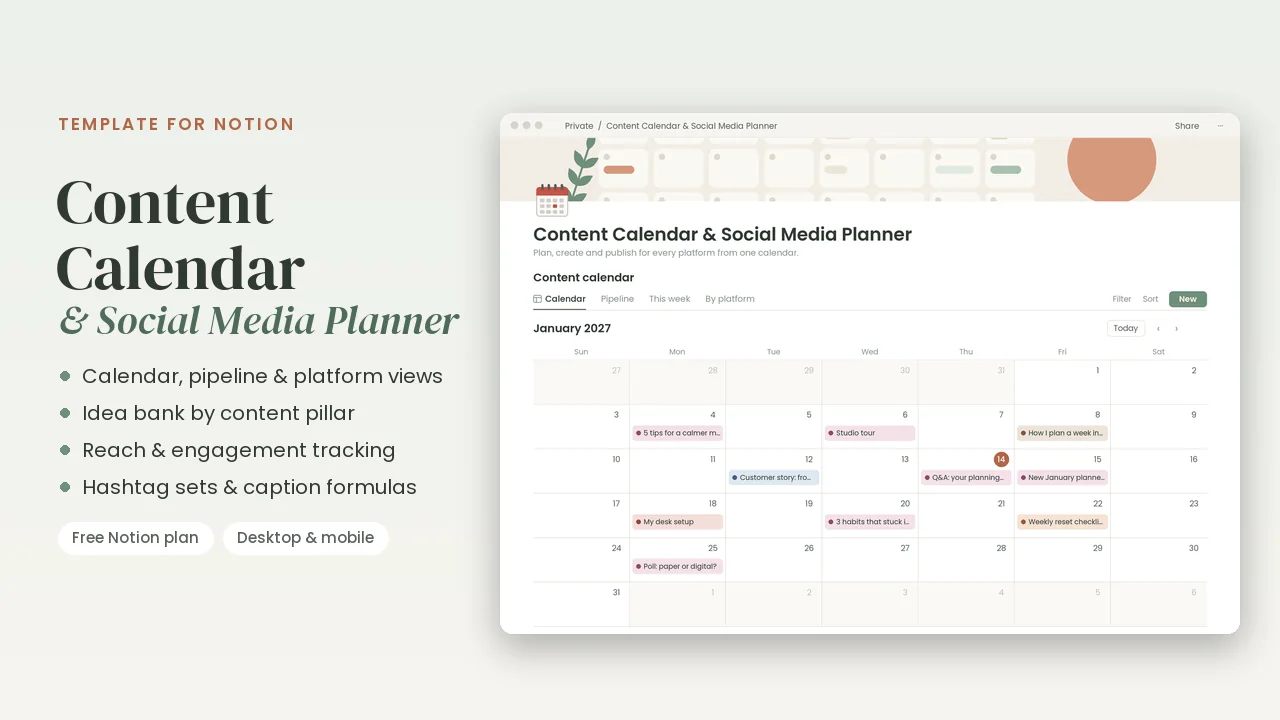
Content Calendar & Social Media Planner
$12 · Calendar · pipeline · idea bank · results
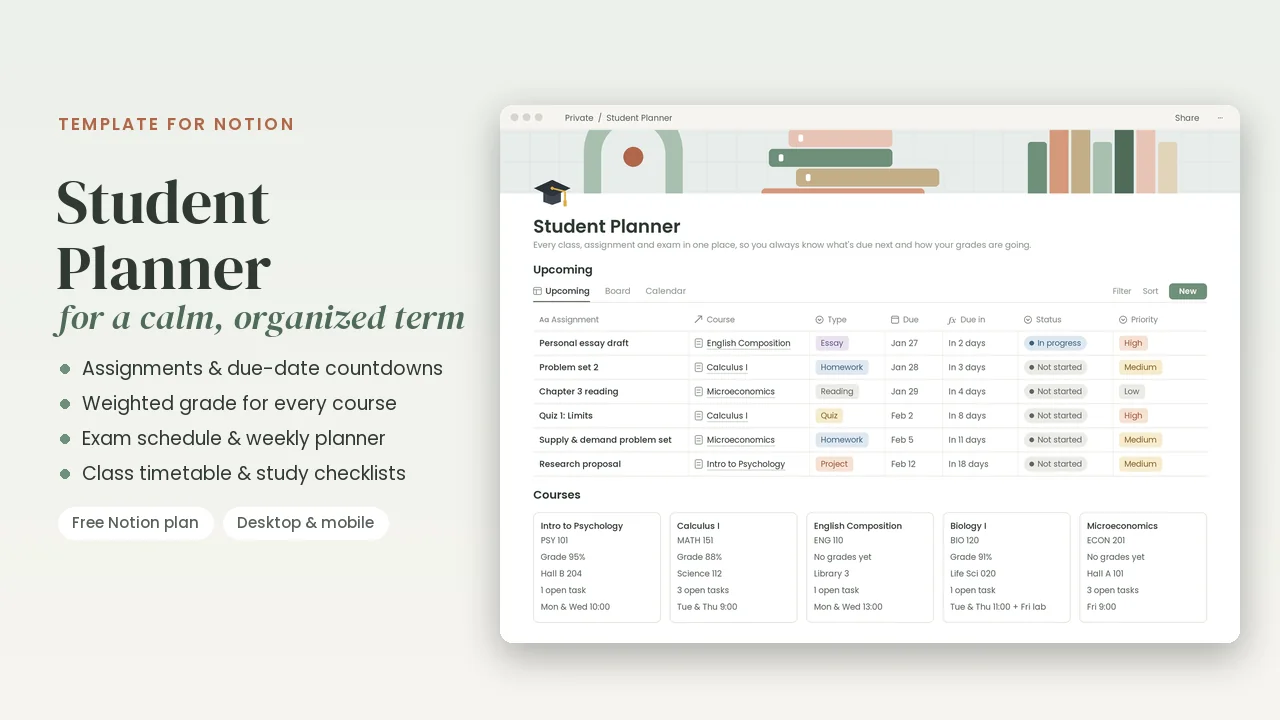
Student Planner
$9 · Assignments · weighted grades · exams
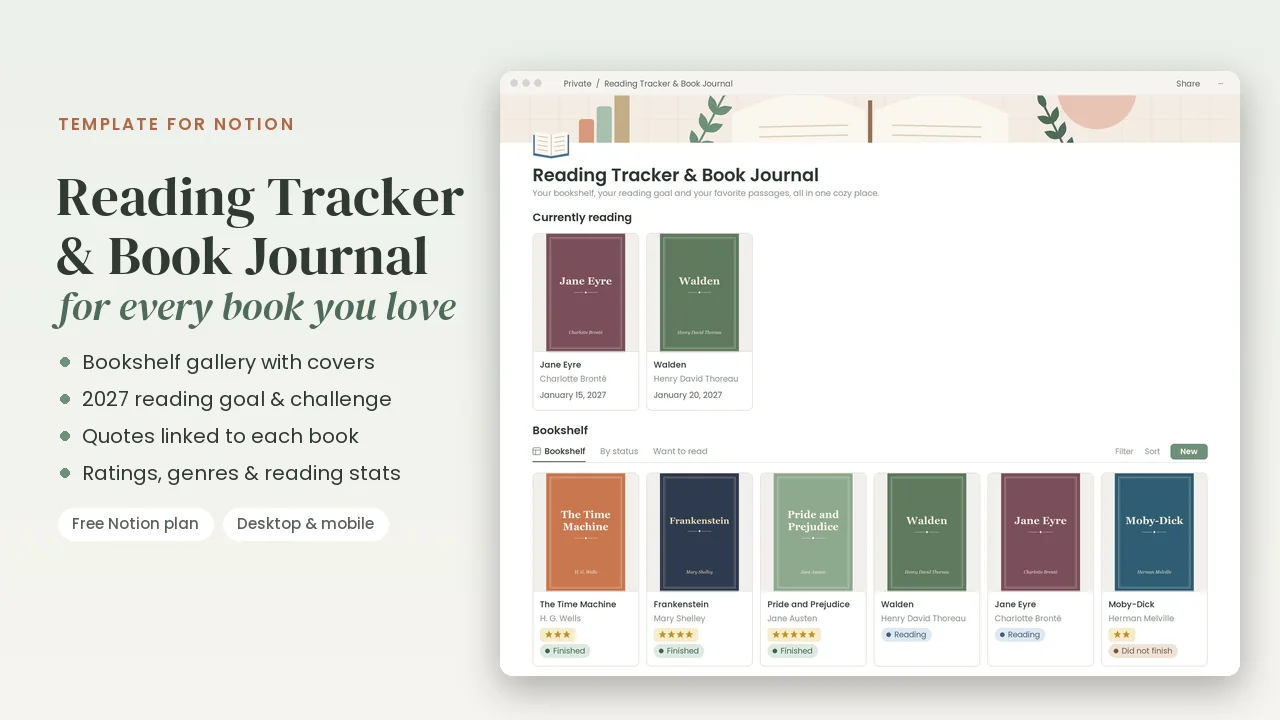
Reading Tracker & Book Journal
$7 · Bookshelf · 2027 reading goal · quotes
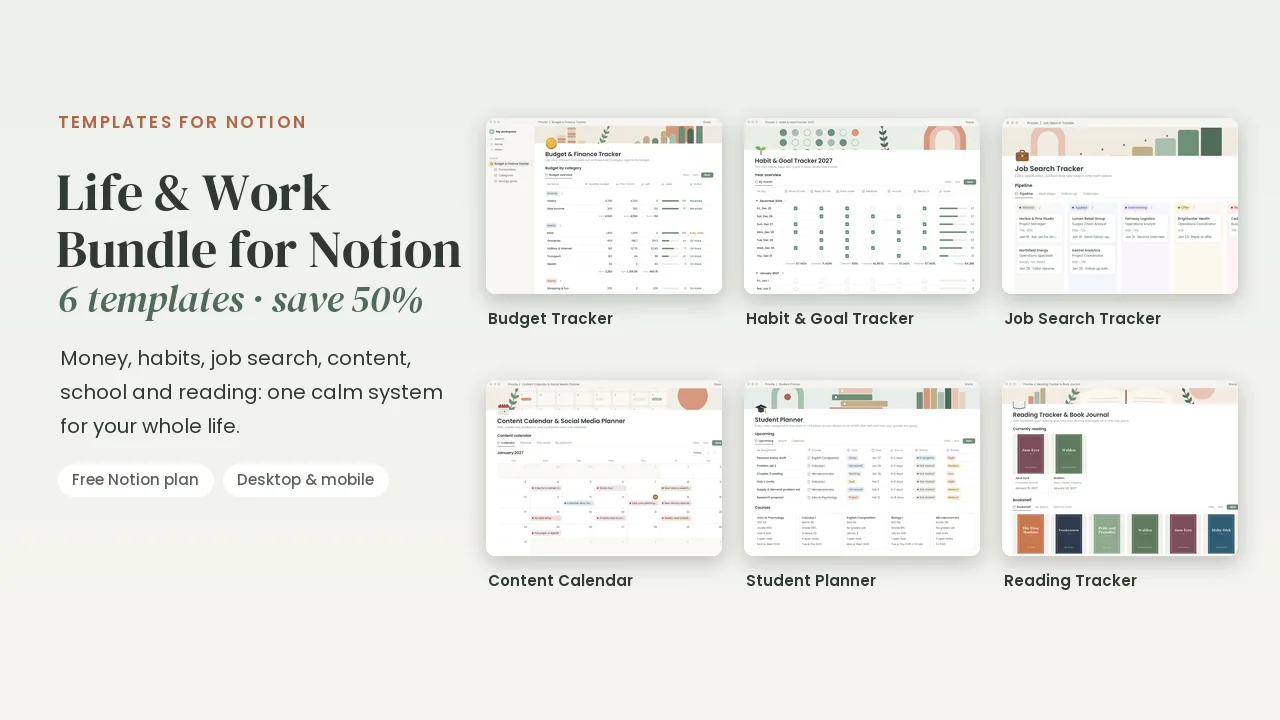
Life & Work Bundle for Notion
$29 · All 6 templates · half price
Notion is a trademark of Notion Labs, Inc. These templates are made by Gridleaf Studio and are not affiliated with or endorsed by Notion.