Notion Content Calendar Template & Social Media Planner
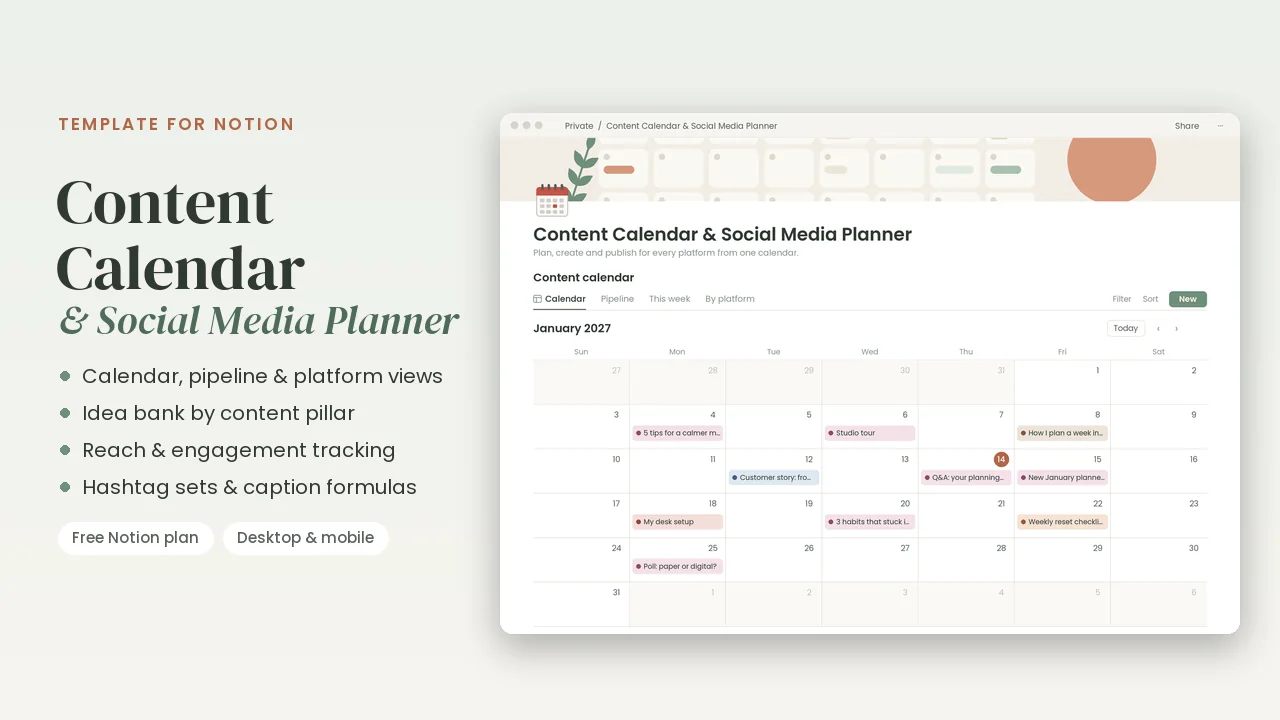
Plan, create and publish content for every platform from one calendar. Built for creators and small businesses who post on several platforms and want a calm, repeatable system.
Digital product · one-page PDF with a Duplicate link · works on Notion's free plan
What's inside
- Posts: each post, video, article or newsletter with its publish date, platforms, content pillar, format, caption and link. Views: Calendar, Pipeline (Planned, Drafting, Ready, Scheduled, Published), This week with a countdown to each date, and By platform.
- Results: add reach and engagement after a post goes live. Published ranks your best posts by engagement and shows each one's engagement rate.
- Idea bank: capture ideas by pillar, format, platform and effort, then schedule the best ones.
- Hashtags & Notes page: content pillars, brand voice, hashtag sets, caption formulas, calls to action, posting rhythm and a repurposing checklist.
- Dashboard: a weekly content routine and a monthly content review.
- Sample posts and ideas, easy to delete.
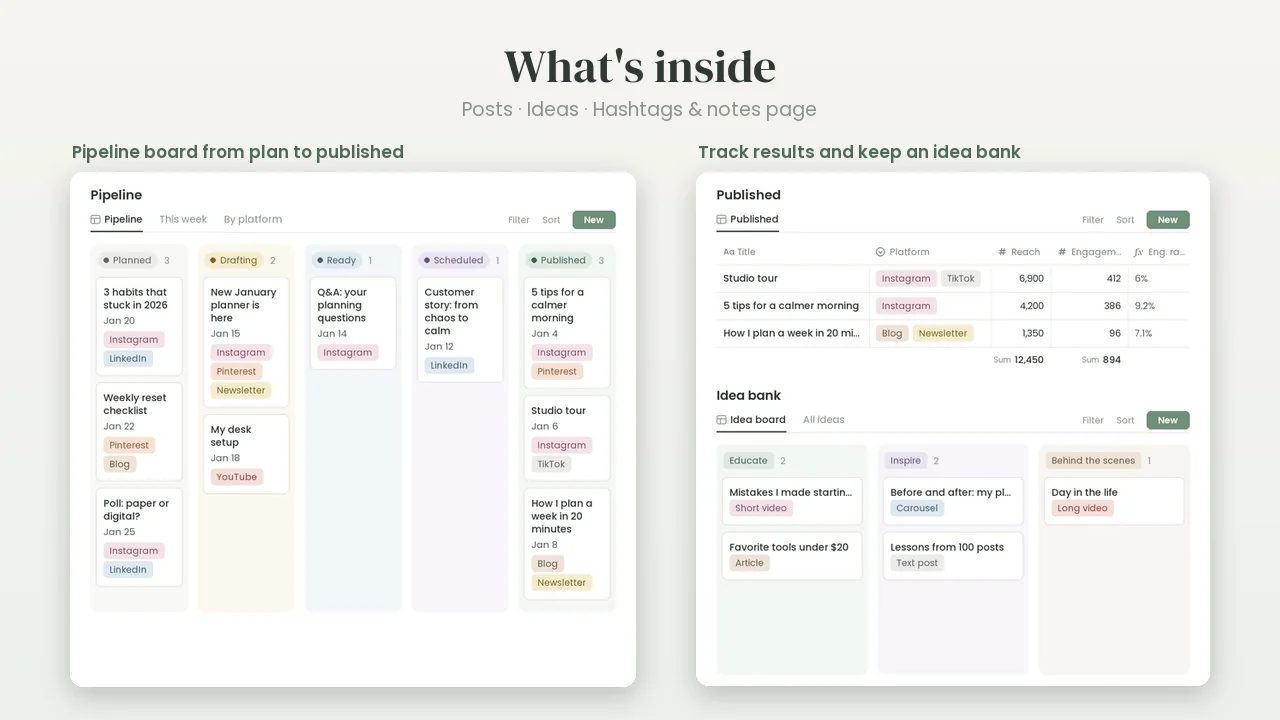
The images show the sample posts and ideas. Platform names are used only to describe where you post.
Who it's for
Content creators, social media managers, bloggers, small shops and service businesses: anyone who posts regularly and wants an editorial calendar, a content pipeline and an idea bank in the same place.
Planning seasonal posts? The free 2027 holidays list has every US federal holiday and popular observance in 2027.
How duplicating works
- Buy and download. Check out on Gumroad and download the one-page PDF from your receipt.
- Log in to Notion. A free Notion account is enough. Duplicate on a computer, in your web browser; the copy then syncs to your phone and tablet.
- Duplicate. Click Duplicate the template in the PDF. The template opens in your browser: press Duplicate and choose your workspace.
- Start. Open your copy and follow the short How to use steps at the top. Delete the sample entries when you're ready.
Your copy is yours: it keeps working even if you never visit this site again.
FAQ
What exactly do I get?
A one-page PDF with a Duplicate button that copies the template into your own Notion workspace. Keep the PDF: you can duplicate a fresh copy any time. It's a digital product, so nothing is shipped.
Does it work on Notion's free plan?
Yes. It's built with standard Notion pages, databases, views and formulas, so a free Notion account is all you need. You don't need a paid plan or any add-ons.
Does it post for me?
No. It's a planner, not a scheduling tool, and it doesn't connect to any social platform. Plan and write your posts here, then publish them yourself or with the scheduling tool you already use.
Which platforms does it cover?
Any. The platform list starts with Instagram, TikTok, YouTube, LinkedIn, Pinterest, Blog and Newsletter, and you can add your own.
Can I change the content pillars?
Yes. Rename the sample pillars (Educate, Inspire, Behind the scenes, Promote, Community) in Posts and Ideas, then describe them on the Hashtags & Notes page. Rename or add any other property too; just keep the status Published as it is, because the countdown formula checks for it.
Can I use it on my phone?
Yes. Once it's in your workspace, it works in Notion on desktop, the web, iPhone, iPad and Android. Duplicating is quickest on a computer, and wide table views are easiest to read on a bigger screen.
Can I use it for my business?
Yes, for your own business. You can use the template for yourself, your household or your own business, and duplicate it as often as you like. Please don't share or resell the template or its link.
What if the link doesn't work, or I want a refund?
Gumroad handles the checkout, your receipt and the download. If the Duplicate link doesn't work or something isn't right, reply to your Gumroad receipt email and we'll help. Questions about refunds go the same way.
More templates for Notion
Same calm design, same quick duplicate. Get all six in the Life & Work Bundle for $29.
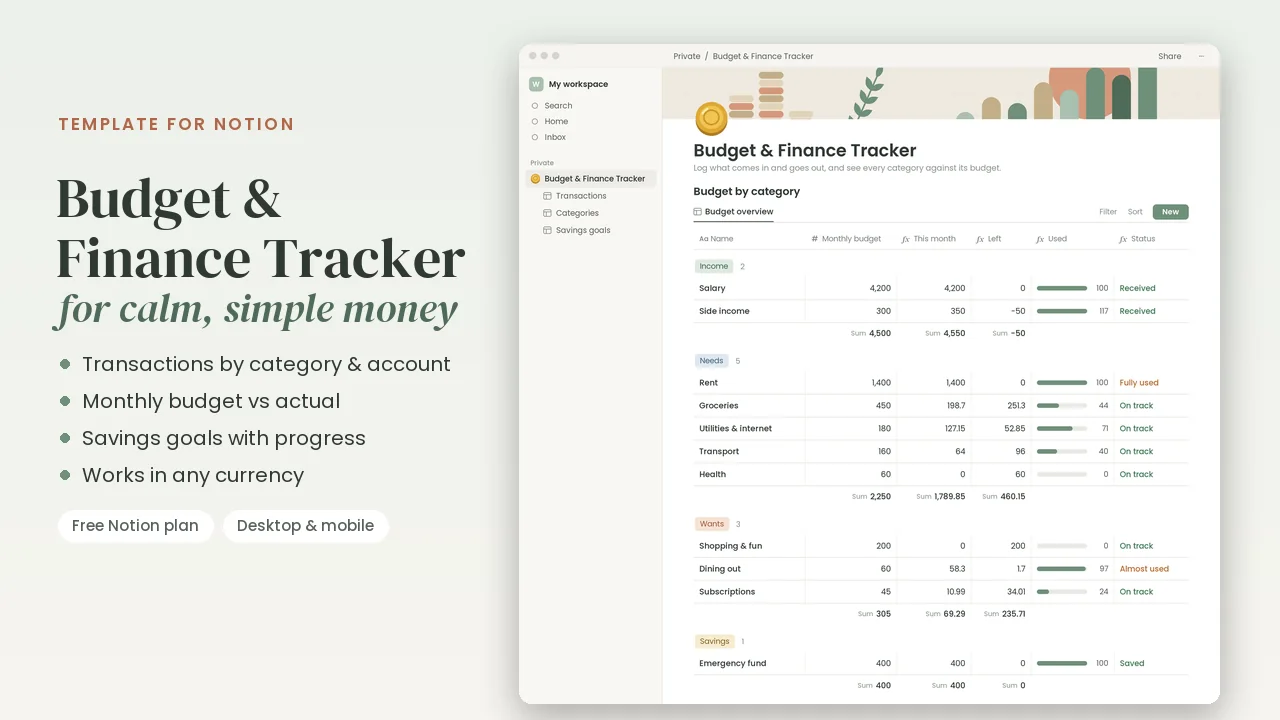
Budget & Finance Tracker
$12 · Transactions · category budgets · savings goals
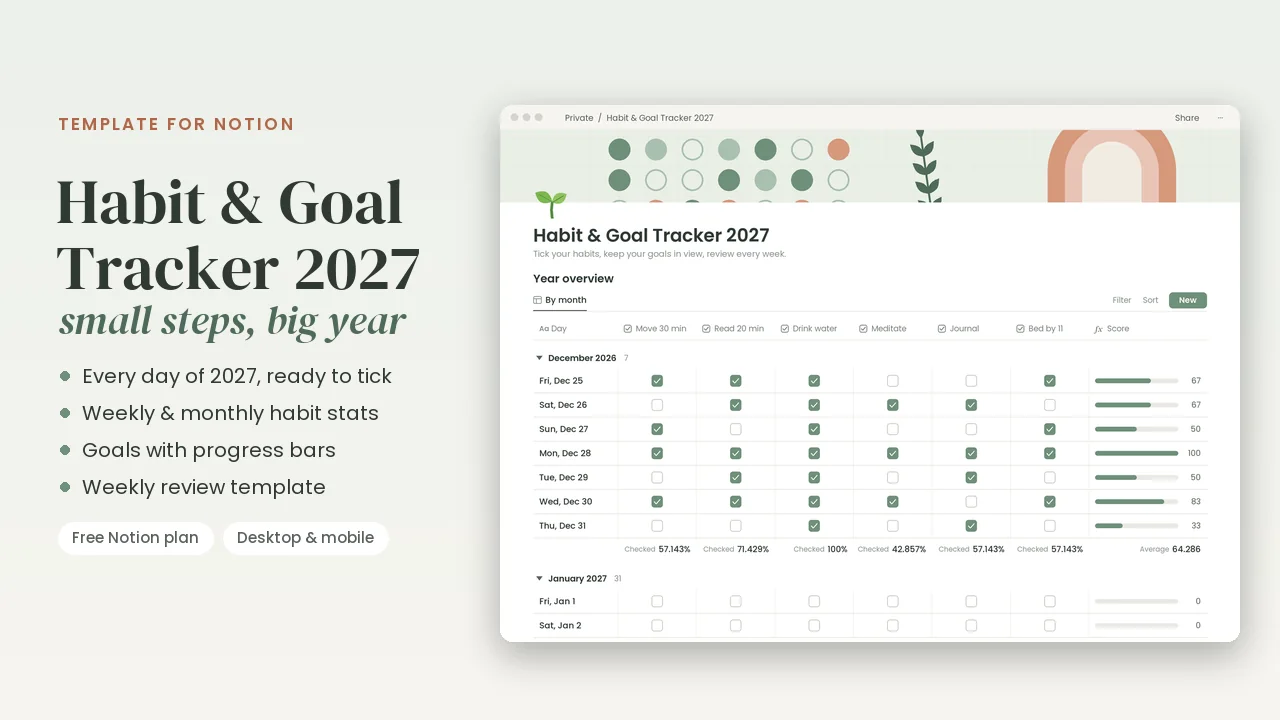
Habit & Goal Tracker 2027
$9 · All 365 days of 2027 · habit stats · goals
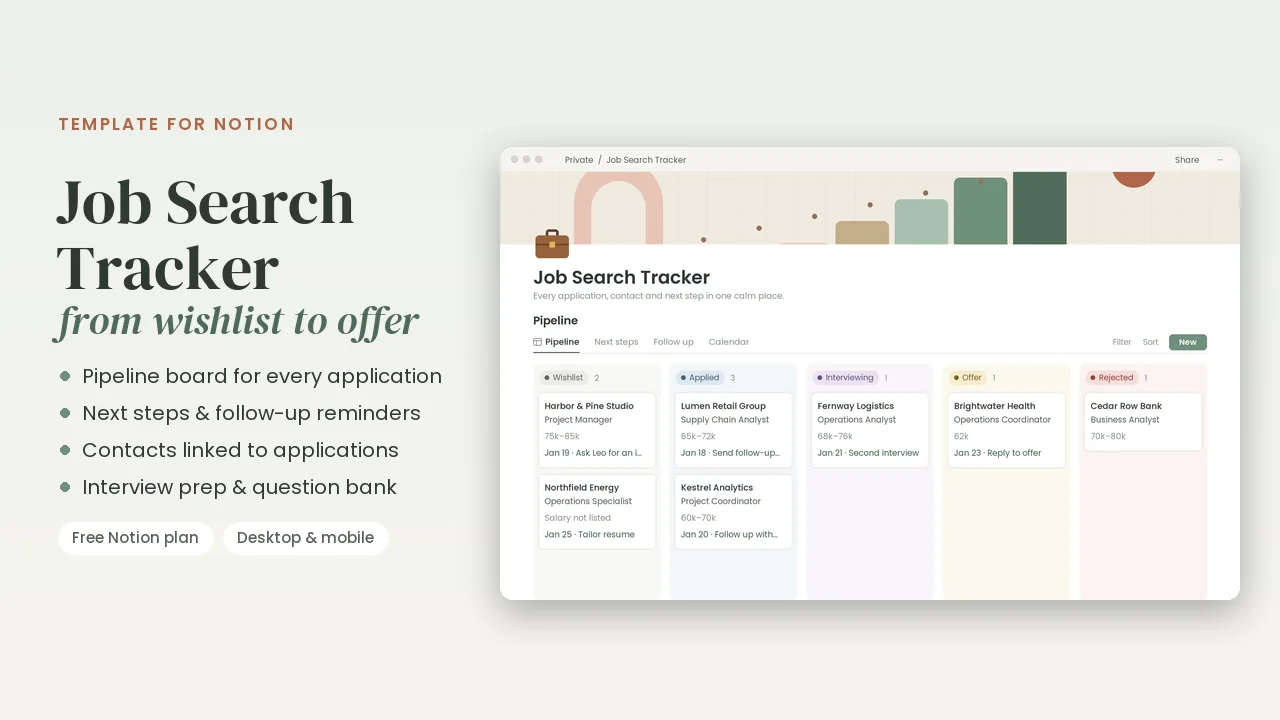
Job Search Tracker
$9 · Pipeline · next steps · interview prep
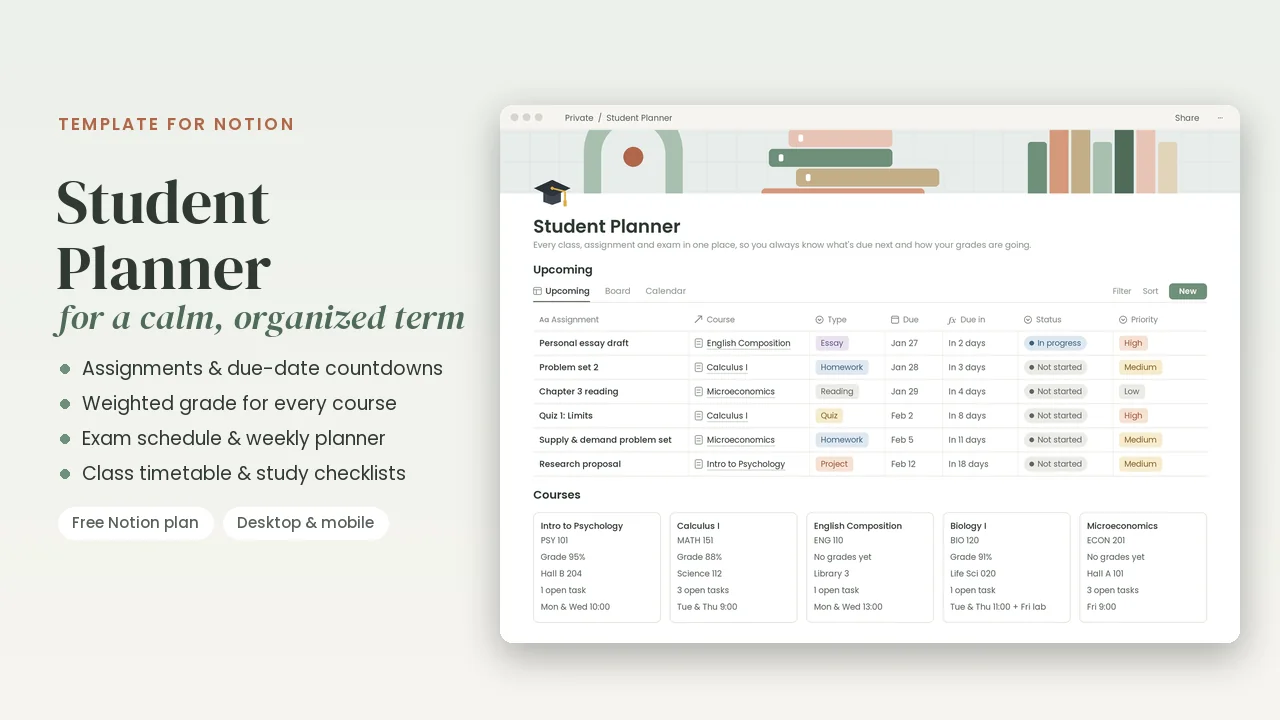
Student Planner
$9 · Assignments · weighted grades · exams
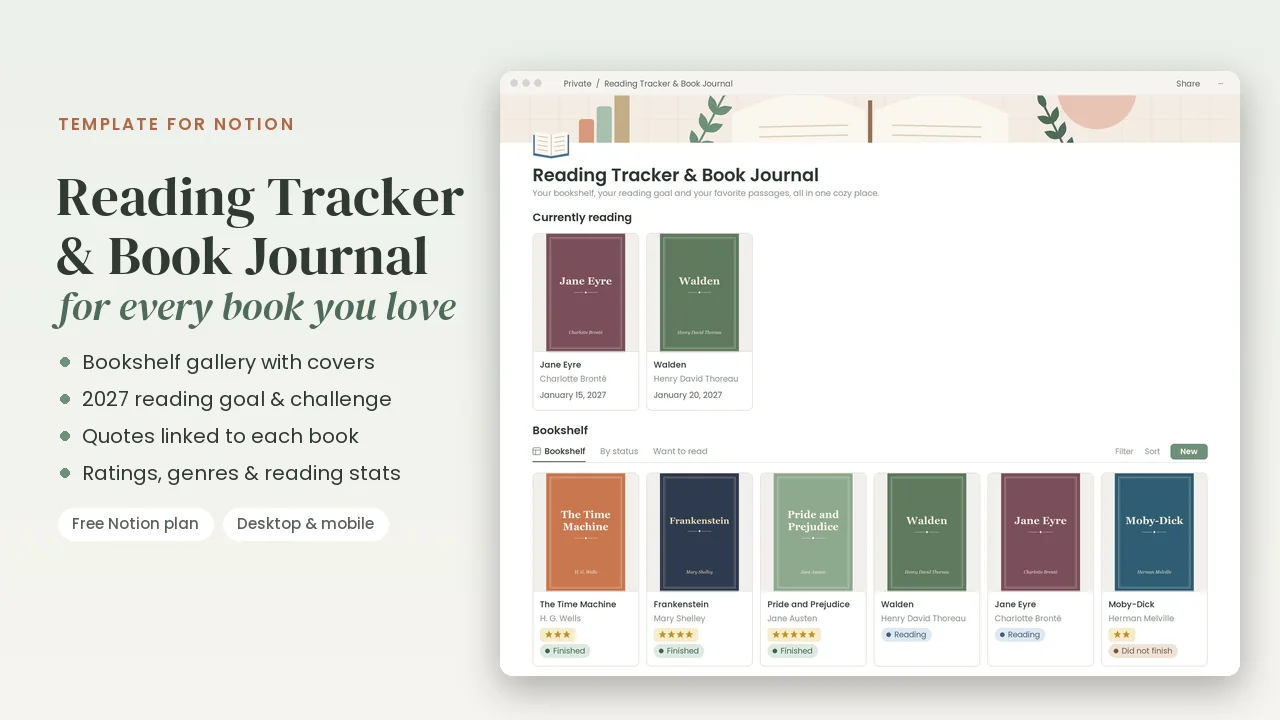
Reading Tracker & Book Journal
$7 · Bookshelf · 2027 reading goal · quotes
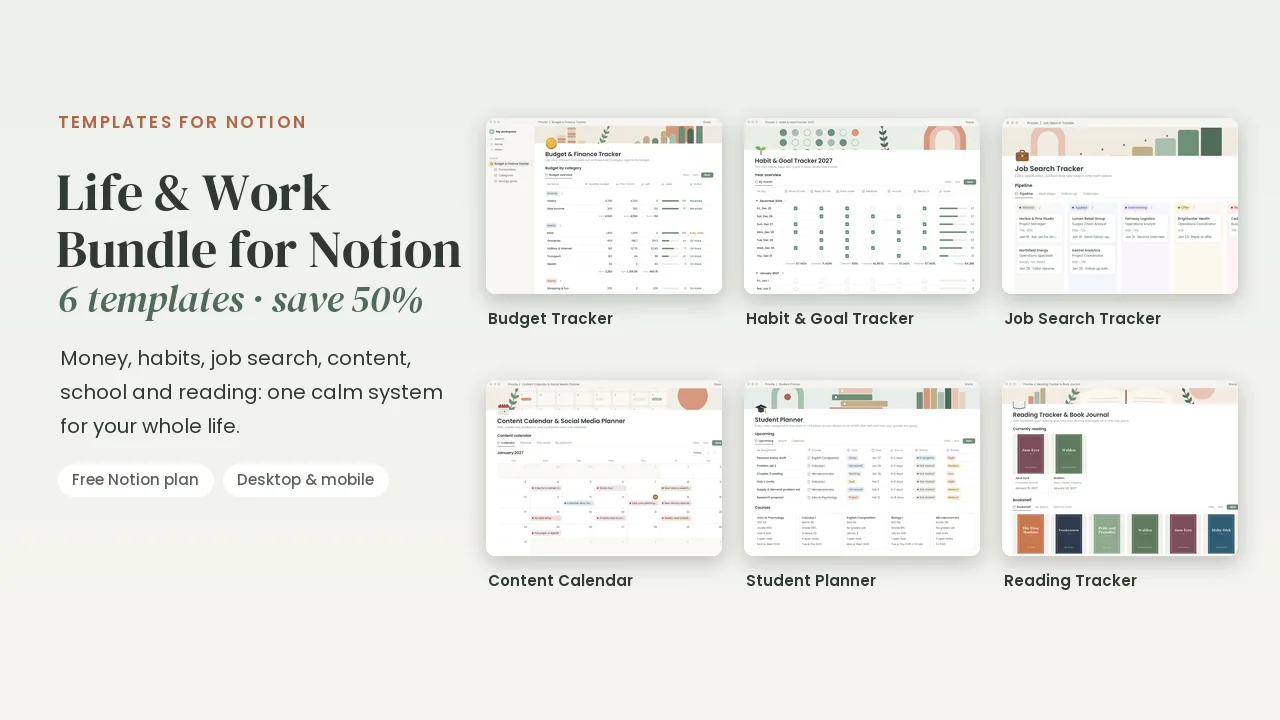
Life & Work Bundle for Notion
$29 · All 6 templates · half price
Notion is a trademark of Notion Labs, Inc. These templates are made by Gridleaf Studio and are not affiliated with or endorsed by Notion.