How to Make a Budget in 6 Steps
A budget is a plan for your money before the month starts. This method takes an afternoon to set up and about ten minutes a week to keep going.
- Know your real take-home pay. Use what actually lands in your account each month. If it varies, use your lowest month from the past six.
- List your fixed bills. Rent, utilities, insurance, phone, subscriptions, minimum debt payments: everything that's the same every month.
- Track one month of spending. Write down or import every transaction. Group them into 8–12 categories; more than that gets hard to keep up.
- Give every dollar a job. Set a monthly target for each category so income minus all targets is zero. Savings is a category too.
- Plan for irregular costs. Car repairs, gifts and annual fees aren't surprises. Divide them by 12 and save monthly in sinking funds.
- Review monthly. At month end, compare budget with actual, move money between categories, and adjust next month's targets.
Tools that make it easier
Start with the free 50/30/20 calculator to set rough targets. If you'd rather not build a spreadsheet yourself, the Budget Planner 2027 does the math for you, and the printable budget binder is there if you prefer paper. Already organize your life in Notion? The Budget & Finance Tracker for Notion keeps transactions, category budgets and savings goals on one page.
More guides
How to plan your 2027 · 2027 US holidays · 2027 week numbers · Working days in 2027 · UK bank holidays 2027 · Canada holidays 2027 · Christmas countdown · Thanksgiving countdown · New Year countdown · Debt snowball vs avalanche · The 50/30/20 rule explained · Sinking funds · How to use a digital planner · Best paper for printing planners · How to print and bind a planner · How to frame printable wall art · Large-print puzzles for seniors · Homeschool printing supplies checklist
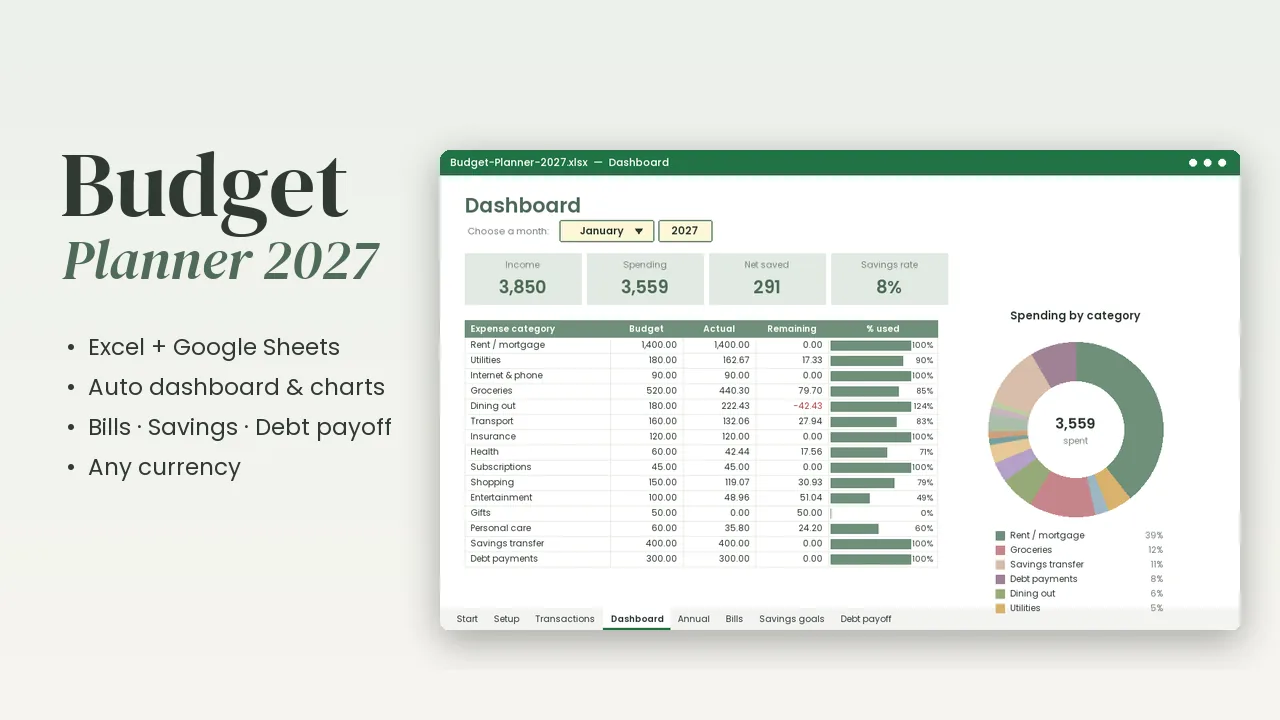
Budget Planner 2027 spreadsheet
Excel & Google Sheets: transaction log, monthly dashboard with charts, bills, savings goals and a debt payoff planner.